
You are using an out of date browser. It may not display this or other websites correctly.
You should upgrade or use an alternative browser.
You should upgrade or use an alternative browser.
Essential Official Android Thread
More options
Who Replied?
Nephilim_BC
Murikkka
Nexus 6 has a 1440 resolution screen

Krazy
Rifle weh taller dan palm tree
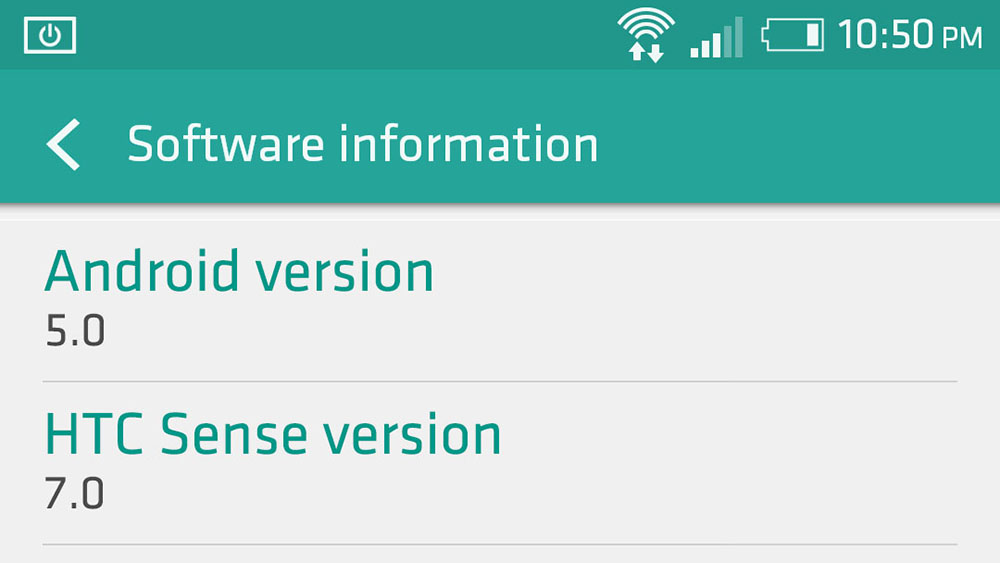
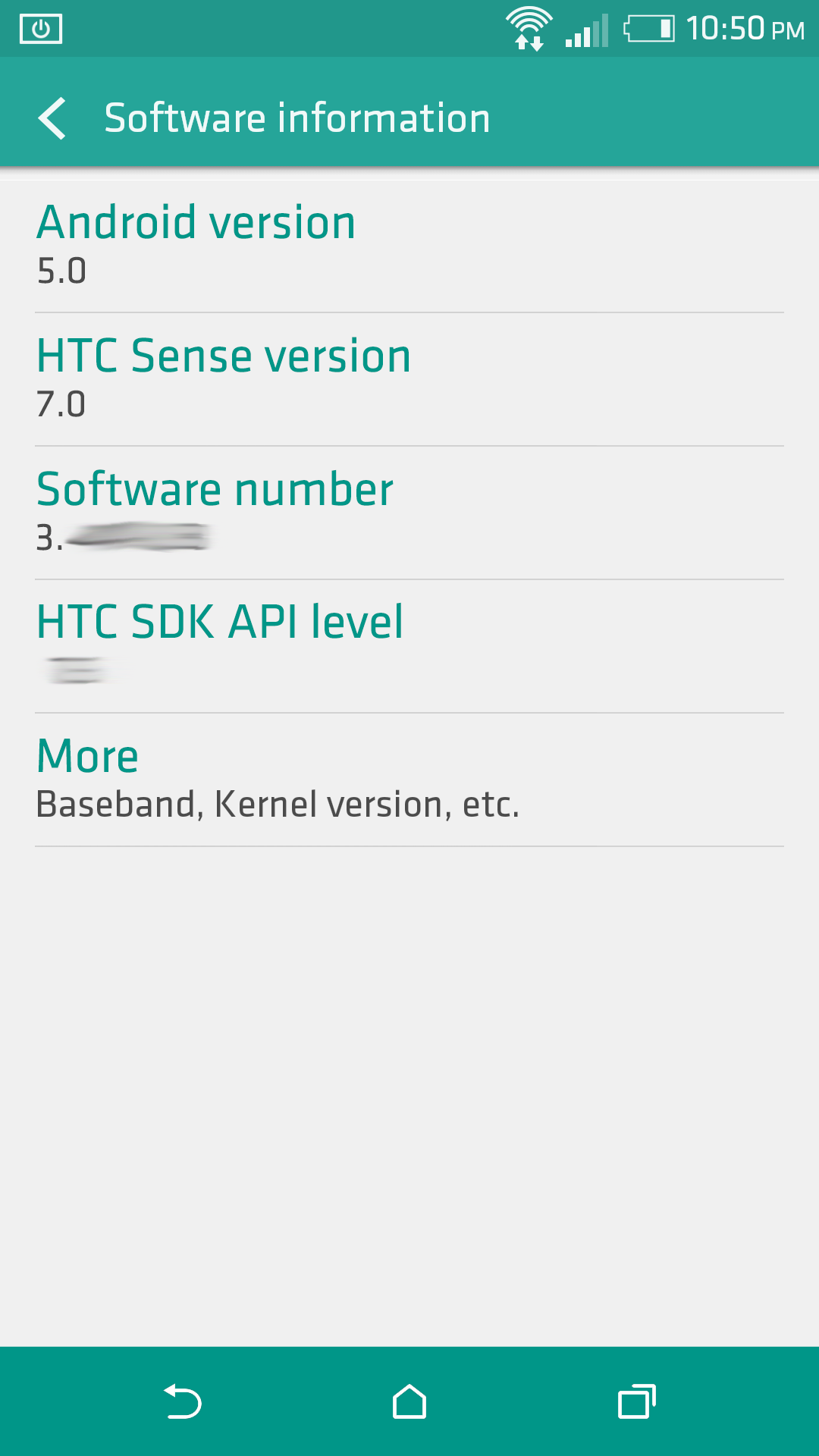
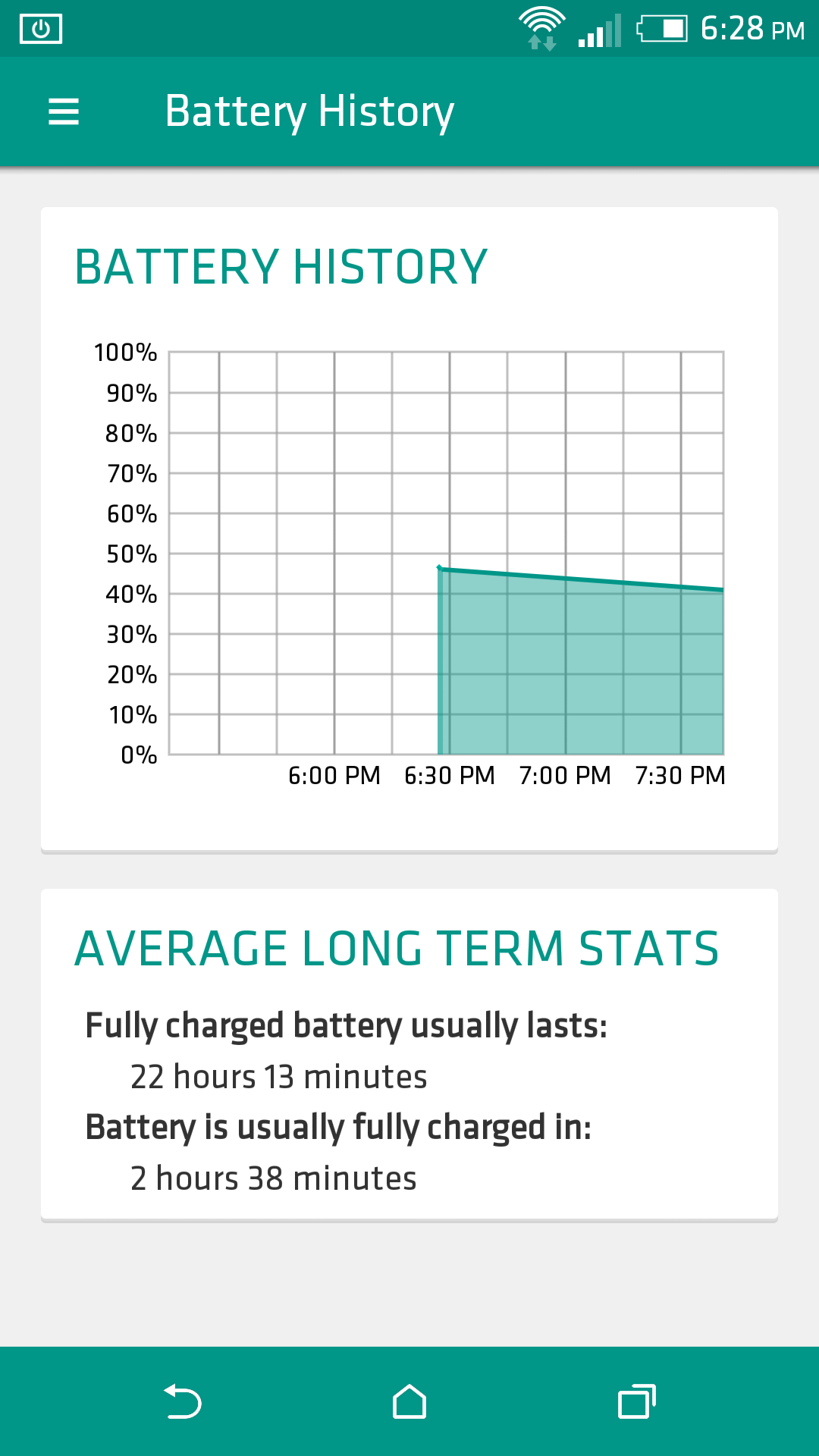
Early look at Material Sense

Randy Marsh
what seems to be the officer, problem?
Anyone else have/had problems with their HTC One M8?
Since I updated it.. the piece of shyt just keeps turning itself off. I can't do anything on it for more than 5 mins without it cutting off, if I just leave it sitting it will stay on but as soon as I try doing something it fukking shuts down.
Gonna take it back but just wanted to see if anyone else had these problems and if there is a fix?
Since I updated it.. the piece of shyt just keeps turning itself off. I can't do anything on it for more than 5 mins without it cutting off, if I just leave it sitting it will stay on but as soon as I try doing something it fukking shuts down.
Gonna take it back but just wanted to see if anyone else had these problems and if there is a fix?

BobbyBooshay
Arnold Jackson
Friends,
So a lot - I mean, a lot - of people are asking about whether we'll be getting on the Android L train. It was announced while I was asleep and when I got back to work the morning after, there were already a bunch of forum posts and (strangely) customer support requests about it.
Well, we're keen to announce today that the OnePlus One will indeed be getting the L treatment. When, you ask? That depends on Google. We promise to have it done within three months f their releasing a final build.
oneplus
Hopefully will have some Tweeks too from Gawds of ROM devs.
Still havent even rooted mine yet, eveything is perfect


the artist known az
Hail the victors
Anyone know what to use to download twrp? Everywhere I look says to download goomanager of the play store but it's no longer there. I type it in & twrp manager shows up. I downloaded that & it won't let me choose my device

Spidey Man
Superstar
That Droid Turbo got me rethinking my upgrade strategy
That ballistic Nylon looks nice. I'm going to have to play around with the Turbo and Nexus

Go here http://teamw.in/project/twrp2 download the img file and put on sdcard. Turn off device then Turn on the device and keep holding volume down until a menu shows up. The device will now be in fastboot mode. Plug the device into your computer. If you have the right drivers installed, your screen should now say FASTBOOT USB. Run the following command via the command line: find your device then fastboot flash recovery recoveryfilename.imgAnyone know what to use to download twrp? Everywhere I look says to download goomanager of the play store but it's no longer there. I type it in & twrp manager shows up. I downloaded that & it won't let me choose my device

iceberg_is_on_fire
Wearing Lions gear when it wasn't cool
When is lollipop coming out for note 3
Root breh, if you haven't. I'm waiting as well since I have the Galaxy Note 10.1 2014 edition tablet and it is basically the tablet version of that phone so we should be getting that soon. I'm hawking XDA for the S5 Lollipop update. November 3rd is when the official floodgates open.
the artist known az
Hail the victors
I found a way to get on there but I have a question maybe you can answer. I have an S4 & I tried to get the Google play 4.4.4 edition Rom. My question lies with after flashing the rom. I followed all the steps I found on xda and when it rebooted I couldn't make calls, and a lot other of my apps didn't work. Before flashing I backed up the System, data, & boot and saved it on the SD card. So when i want to get my apps, contacts, & other data should I restore just data? (I messed it all up when I restored the system)Go here http://teamw.in/project/twrp2 download the img file and put on sdcard. Turn off device then Turn on the device and keep holding volume down until a menu shows up. The device will now be in fastboot mode. Plug the device into your computer. If you have the right drivers installed, your screen should now say FASTBOOT USB. Run the following command via the command line: find your device then fastboot flash recovery recoveryfilename.img

Anybody have an Inbox invite?

Day_Walker
All Star
Just got my hands on a galaxy s4 i9505 deciding weather to put a custom Rom on it. Is it worth it over touchwiz?

I need a new phone


