Christian3o5
All Star
Yea its working, but its been acting up recently, shyts about 7 years oldis your current router working or not?


Yea its working, but its been acting up recently, shyts about 7 years oldis your current router working or not?

I care more about mantle so I'm sticking with AMD for the time being though. Screen tearing and Input lag are the least of my concerns when it comes to PC gaming. Plus you actually need to get another monitor or mod an existing supported monitor to benefit from that g-sync. Now about the stuttering is that including micro stuttering? I hate that shyt.Damn..I was just bout to pull the trigger on this XFX 7970...should I just rock wit Nvidia instead?..
Screen tearing and Input lag are the least of my concerns when it comes to PC gaming.
I play mostly with a controller but I tried out kb/mouse from time to time. It's just not that noticeable to me but I play on a HDTV in my room so idk if it's different compared to a monitor. Only game that annoyed me a lot with screen tearing was Bioshock Infinite.they're two sides of the same issue
do you play fps games on PC with a kb/mouse or controller?


I play mostly with a controller but I tried out kb/mouse from time to time. It's just not that noticeable to me but I play on a HDTV in my room so idk if it's different compared to a monitor. Only game that annoyed me a lot with screen tearing was Bioshock Infinite.
do you typically play with vsync on or off?
 I turn em on or off until I see a noticeable effect but for the most part I keep it off since it keeps the framerate higher. In those cases I just use d3doverrider to mitigate any tearing.
Aight..so should I fukk wit the R9 280x or the 7970?..I found the 7970 for only $260..I care more about mantle so I'm sticking with AMD for the time being though. Screen tearing and Input lag are the least of my concerns when it comes to PC gaming. Plus you actually need to get another monitor or mod an existing supported monitor to benefit from that g-sync. Now about the stuttering is that including micro stuttering? I hate that shyt.
Yea. I force them and set the framerate limit to 60. That helped out tremendously with Bioshock and a few other games.what do you do with d3doverrider? force triple-buffer and/or vsync?
Yea. I force them and set the framerate limit to 60. That helped out tremendously with Bioshock and a few other games.
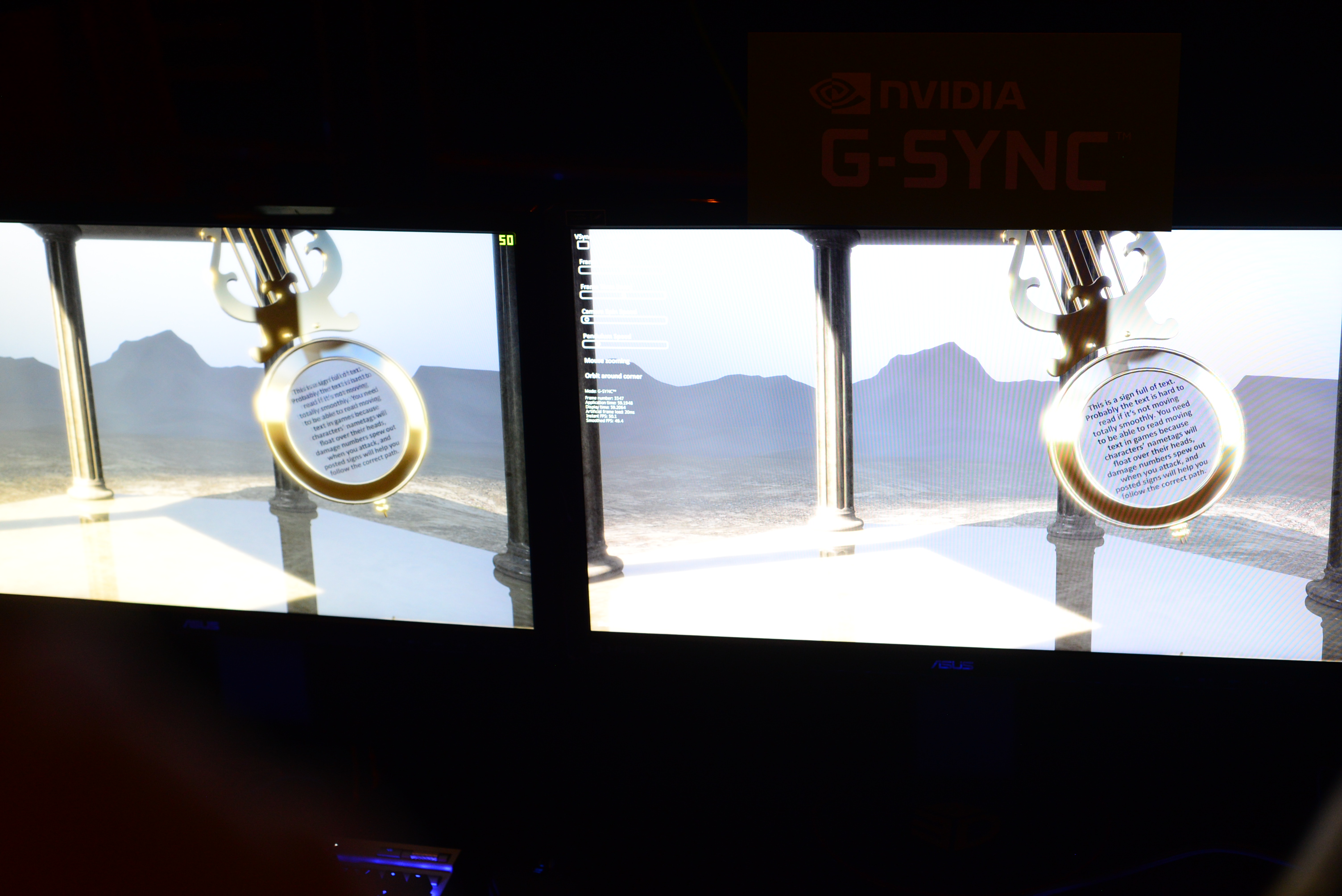
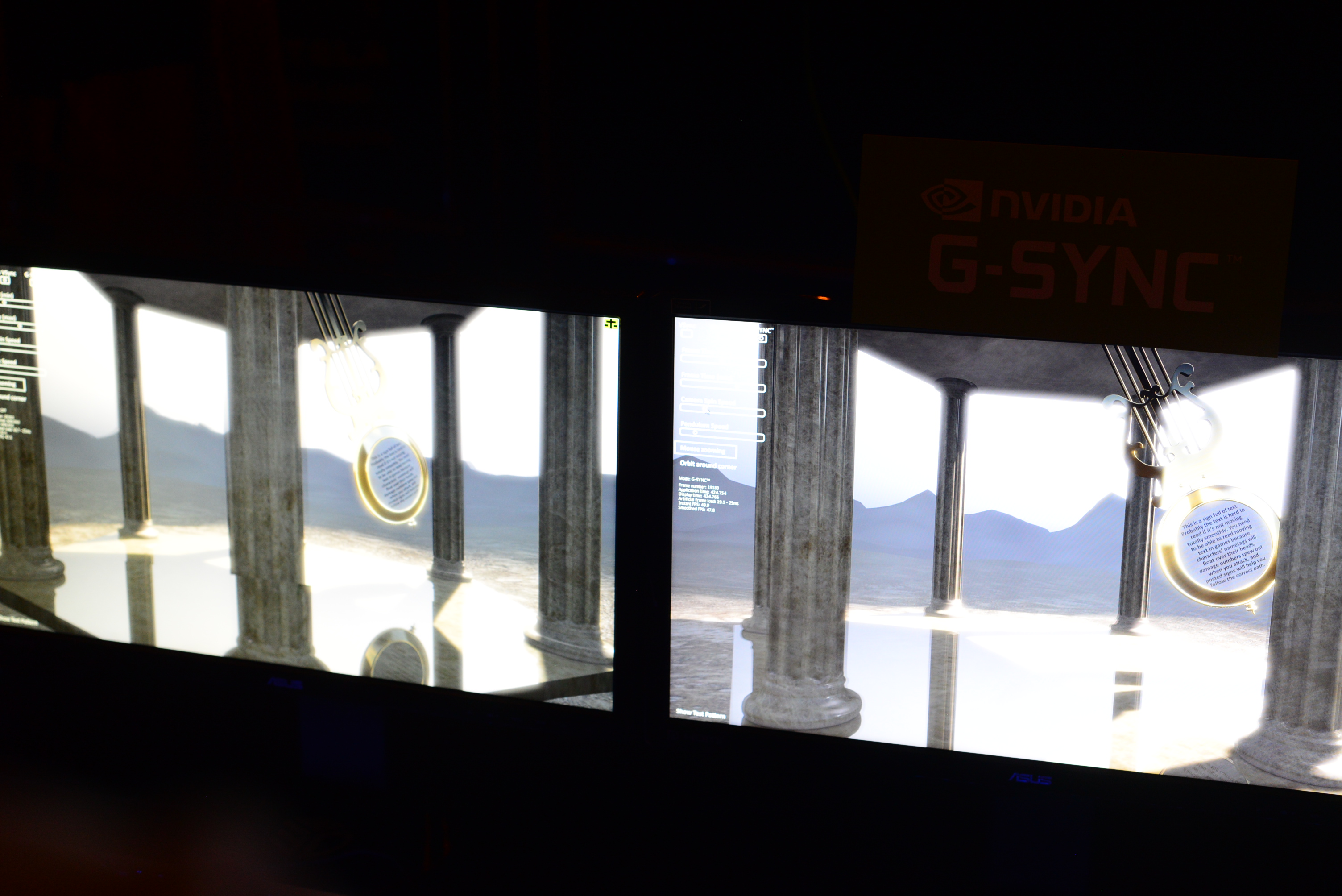
NVIDIA ran through a couple of demos to show the benefits of G-Sync, and they were awesome.
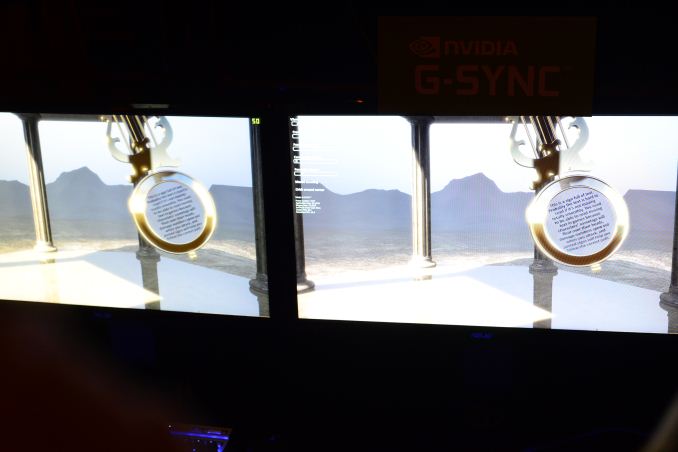
The first demo was a swinging pendulum. NVIDIA's demo harness allows you to set min/max frame times, and for the initial test case we saw both systems running at a fixed 60 fps. The performance on both systems was identical as was the visual experience. I noticed no stuttering, and since v-sync was on there was no visible tearing either. Then things got interesting.
NVIDIA then dropped the frame rate on both systems down to 50 fps, once again static. The traditional system started to exhibit stuttering as we saw the effects of having a mismatched GPU frame rate and monitor refresh rate. Since the case itself was pathological in nature (you don't always have a constant mismatch between the two), the stuttering was extremely pronounced. The same demo on the g-sync system? Flawless, smooth.
NVIDIA then dropped the frame rate even more, down to an average of around 45 fps but also introduced variability in frame times, making the demo even more realistic. Once again, the traditional setup with v-sync enabled was a stuttering mess while the G-Sync system didn't skip a beat.
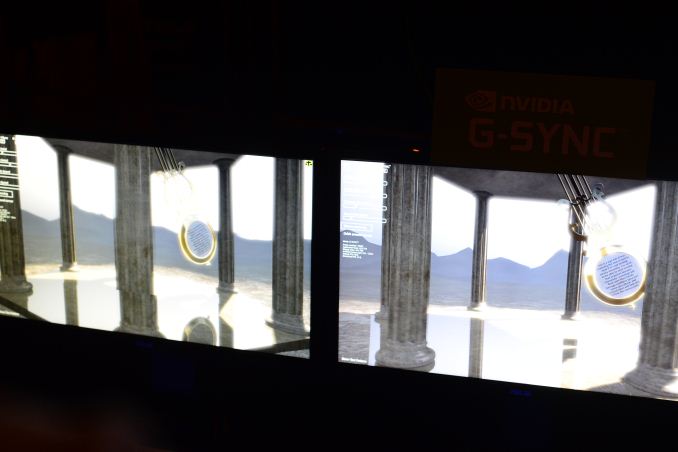
Next up was disabling v-sync with hopes of reducing stuttering, resulting in both stuttering (still refresh rate/fps mismatch) and now tearing. The G-Sync system, once again, handled the test case perfectly. It delivered the same smoothness and visual experience as if the we were looking at a game rendering perfectly at a constant 60 fps. It's sort of ridiculous and completely changes the overall user experience. Drops in frame rate no longer have to be drops in smoothness. Game devs relying on the presence of G-Sync can throw higher quality effects at a scene since they don't need to be as afraid of drops in frame rate excursions below 60 fps.
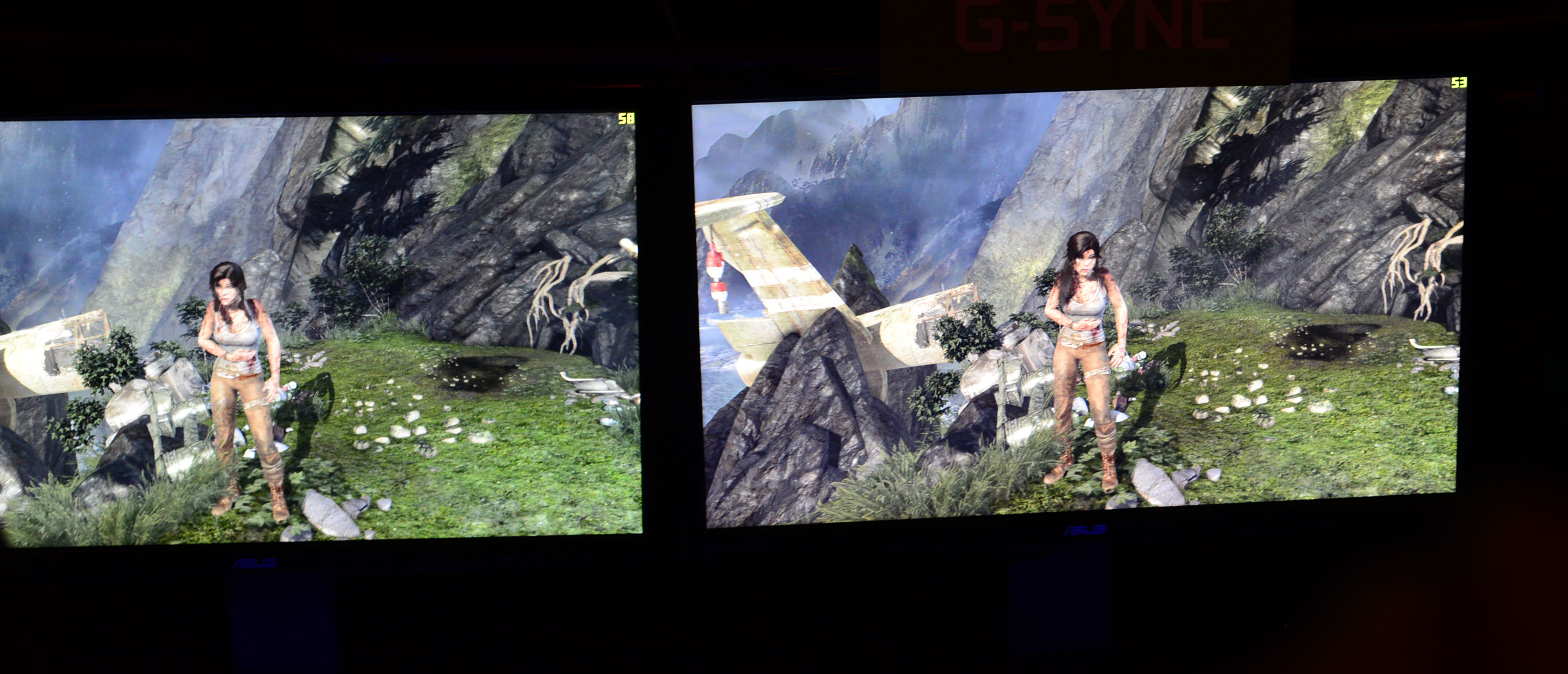
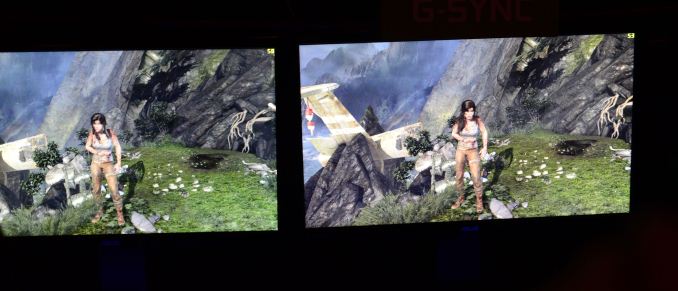
Switching gears NVIDIA also ran a real world demonstration by spinning the camera around Lara Croft in Tomb Raider. The stutter/tearing effects weren't as pronounced as in NVIDIA's test case, but they were both definitely present on the traditional system and completely absent on the G-Sync machine. I can't stress enough just how smooth the G-Sync experience was, it's a game changer.
 )
)